![[Laser cut and engrave] xTool Hat](https://image-res.atomm.com/ali-res/community/making/3cdbff62-3b13-48f8-8bf4-e1c51d8e2ed4.JPEG?x-oss-process=image/resize,m_fill,w_1280,h_960,limit_0/interlace,1/format,webp/auto-orient,1)
xTool Hat
 Instruction


Information
Instruction
Step1
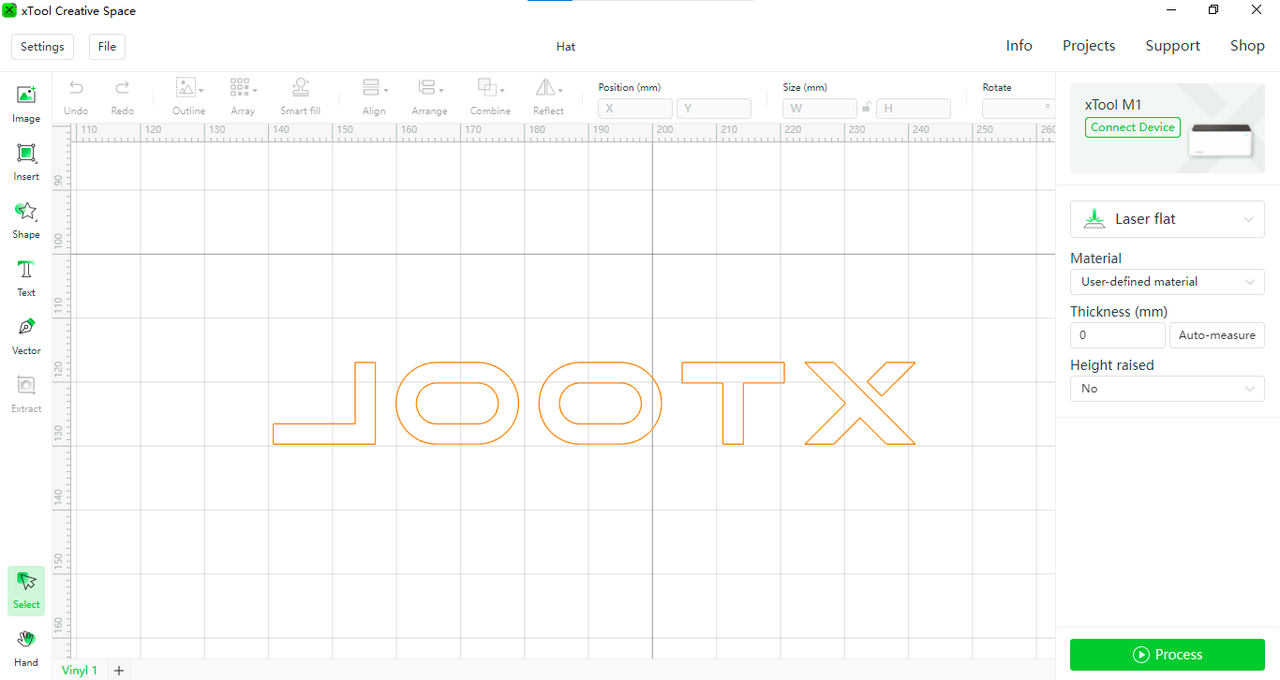 Install the pink cutting mat,paste the PU Heat Transfer Vinyl and install the point blade.Import the file into the XCS software, connect the device and cut Glow in the Dark PU Heat Transfer Vinyl.
Step2
 You can get a unique hat after cutting the pattern and heat stamped on the hat.
Notes
1.Glow in the Dark PU Heat Transfer Vinyl is cut from the back and then transferred print to the front, so remember choose the 【reflect】 when you cutting graphics such as text.
2.Pay attention to the cutting range, the cutting area can not exceed the scope of Glow in the Dark PU Heat Transfer Vinyl. Otherwise, it is easy to damage the bottom of the cutting mat.
3. While cutting two different colors of Glow in the Dark PU Heat Transfer Vinyl, you can put two smaller different colors Glow in the Dark PU Heat Transfer Vinyl in the machine at the same time.Then put the pattern on the Glow in the Dark PU Heat Transfer Vinyl for cutting.
Remixes
Related Project


You may also like

Hat Engraving


Fisherman Hat


Stay Wild Faux Laser Engraved Hat


Magic Hat


Acrylic & Leatherett Hat Patch


hat patches

Leathette Hats


Patched Hat

Symbol SVG | Cowboy Hat SVG


Remix of a Leather Patched Hat

Custom Leather Hat Patches

Company hat

Company hat

Cute Summer Hats

Floppy Sun Hat

Trucker Hat for Summer Heat


Engraved Leather Hat Patch

Iraq war vet hat patch